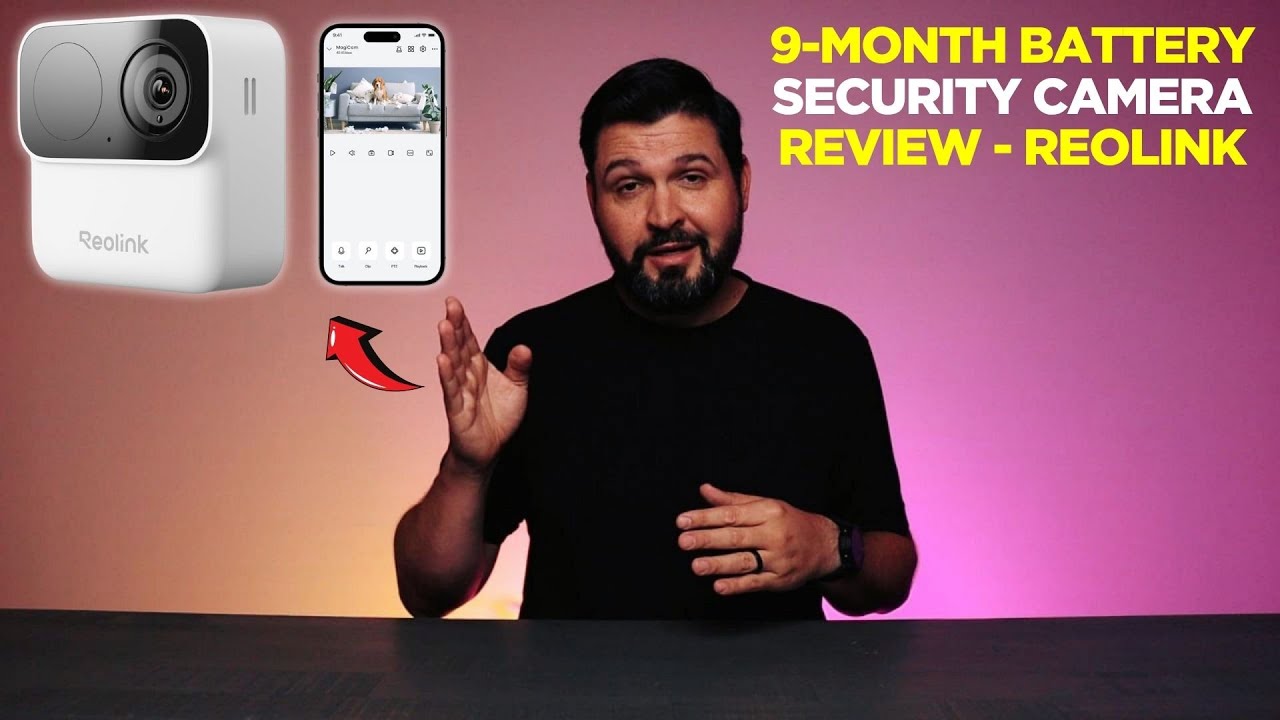
9-Month Battery Security Camera Review - REOLINK
As an Amazon Associate we earn from qualifying purchases, at no extra cost to you.
The REOLINK Argus MagiCam is a wireless indoor/outdoor security camera with a magnetic mount, 1080p night vision, AI person detection, and a claimed 9-month battery life. Reviewed by CommQuest, it earns a straightforward recommendation for anyone who wants flexible, wire-free coverage with no subscription fees.
What It Actually Is
The Argus MagiCam sits in a category of cameras designed to remove the two biggest friction points in home security: wiring and recurring costs. It runs entirely on battery, handles both indoor and outdoor placement, and carries an IP67 rating that makes weather a non-issue. Dual-band WiFi (2.4GHz and 5GHz) means you can connect it to whichever band your router handles best, which matters more than it sounds if you have a crowded network.
What CommQuest Actually Noticed
The magnetic mount gets called out as the quiet star of the whole package, and it’s easy to see why. Most cameras, once they’re screwed into a wall, stay there. With a magnetic mount, repositioning takes seconds and requires no tools. That kind of flexibility is genuinely useful. Your coverage needs in January might not be the same as in July, and being able to move the camera without a project makes that adjustment painless.
The 9-month battery claim is the headline spec, and it’s what makes placement freedom real. A camera you have to recharge every few weeks is a camera you’ll eventually stop using. Nine months means you set it up, and it largely takes care of itself.
AI person detection is another feature that sounds like marketing until you’ve lived with a camera that doesn’t have it. Without it, you get an alert for every car passing in the background, every branch moving in the wind. With it, you get alerts tied to actual people entering the frame. That’s the difference between a useful tool and an annoying one.
Night vision at 1080p rounds out the core feature set. Clear footage after dark is where most cameras earn or lose their usefulness, and 1080p gives enough detail to actually identify what’s happening in the frame.
Who This Fits
This camera makes the most sense for someone who wants to cover a specific spot without committing to a wiring job or a monthly subscription. The magnetic mount also makes it appealing for renters who can’t put permanent hardware into walls. Because it handles both indoor and outdoor environments, you can move it between a front porch and an interior hallway without buying a second camera.
If you already have a wired system and just need to fill a gap, the wireless flexibility here is worth considering. If you’re starting from scratch, the no-subscription model means your day-one feature set doesn’t get paywalled later.
Honest Take
The Argus MagiCam doesn’t try to be everything. It’s a straightforward wireless camera that focuses on the things that make daily use actually work: long battery life, smart alerts, easy repositioning, and weather resistance. CommQuest’s read is that it earns its place by just working consistently over time, and that’s a reasonable summary. Nothing flashy, just reliable coverage with less hassle than most alternatives.
Common questions
- Does the REOLINK Argus MagiCam require a monthly subscription?
- No. According to the review, no subscription is required, and every feature available on day one stays accessible without ongoing fees.
- How long does the battery last on the Argus MagiCam?
- The camera is rated for 9 months of battery life, which is the figure cited in both the product title and the CommQuest review.
- Can the Argus MagiCam be used indoors and outdoors?
- Yes. The magnetic mount works on walls, fence posts, and shelves, and the IP67 rating means rain and dust are not a concern for outdoor use.
- What WiFi bands does the Argus MagiCam support?
- It supports both 2.4GHz and 5GHz WiFi, giving you flexibility based on what your home network handles best.